我们邀请社区一同完善 Blocks 库,分享你的组件与 Blocks,帮助更多开发者构建高质量、可复用的组件集合。
欢迎提交各种类型的 Blocks:应用、营销页、产品展示等都可以。
准备开发环境
Fork 仓库
git clone https://github.com/shadcn-ui/ui.git创建新分支
git checkout -b username/my-new-block安装依赖
pnpm install启动开发服务器
pnpm www:dev添加Blocks
Blocks可以是单个组件(例如某个 UI 组件的变体),也可以是复杂组件(如仪表盘)包含多个组件、hook 和工具函数。
创建Blocks目录
在 apps/www/registry/new-york/blocks 下创建文件夹,名称使用 kebab-case,并确保位于 new-york 样式目录下。
apps
└── www
└── registry
└── new-york
└── blocks
└── dashboard-01提示: 构建脚本会自动为 default 样式生成对应Blocks。
添加Blocks文件
把页面、组件、hooks 与工具函数放入该目录,例如:
dashboard-01
└── page.tsx
└── components
└── hello-world.tsx
└── example-card.tsx
└── hooks
└── use-hello-world.ts
└── lib
└── format-date.ts提示: 可以从单个文件开始,后续再补充更多结构。
将Blocks加入注册表
在 registry-blocks.tsx 中注册Blocks
要让Blocks出现在注册表中,需要在 registry-blocks.ts 中新增定义。其结构遵循 https://ui.shadcn.com/schema/registry-item.json。
export const blocks = [
// ...
{
name: "dashboard-01",
author: "shadcn (https://ui.shadcn.com)",
title: "Dashboard",
description: "A simple dashboard with a hello world component.",
type: "registry:block",
registryDependencies: ["input", "button", "card"],
dependencies: ["zod"],
files: [
{
path: "blocks/dashboard-01/page.tsx",
type: "registry:page",
target: "app/dashboard/page.tsx",
},
{
path: "blocks/dashboard-01/components/hello-world.tsx",
type: "registry:component",
},
{
path: "blocks/dashboard-01/components/example-card.tsx",
type: "registry:component",
},
{
path: "blocks/dashboard-01/hooks/use-hello-world.ts",
type: "registry:hook",
},
{
path: "blocks/dashboard-01/lib/format-date.ts",
type: "registry:lib",
},
],
categories: ["dashboard"],
},
]确保填写了 name、description、type、registryDependencies、dependencies、files 和 categories。更多细节会在 schema 文档中补充(敬请期待)。
运行构建脚本
pnpm registry:build提示: 不必每次改动都运行构建脚本,仅在更新Blocks定义时执行即可。
预览Blocks
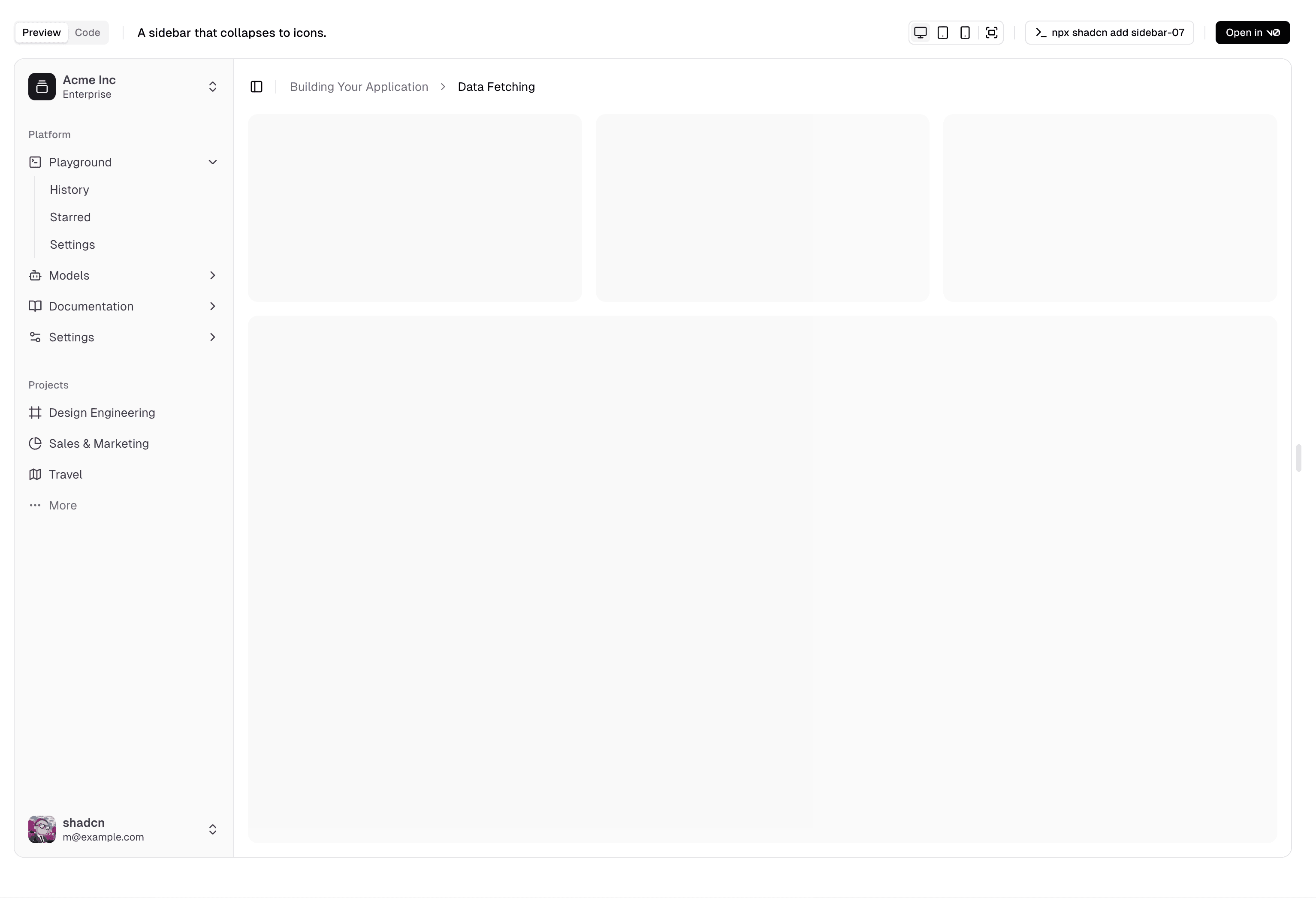
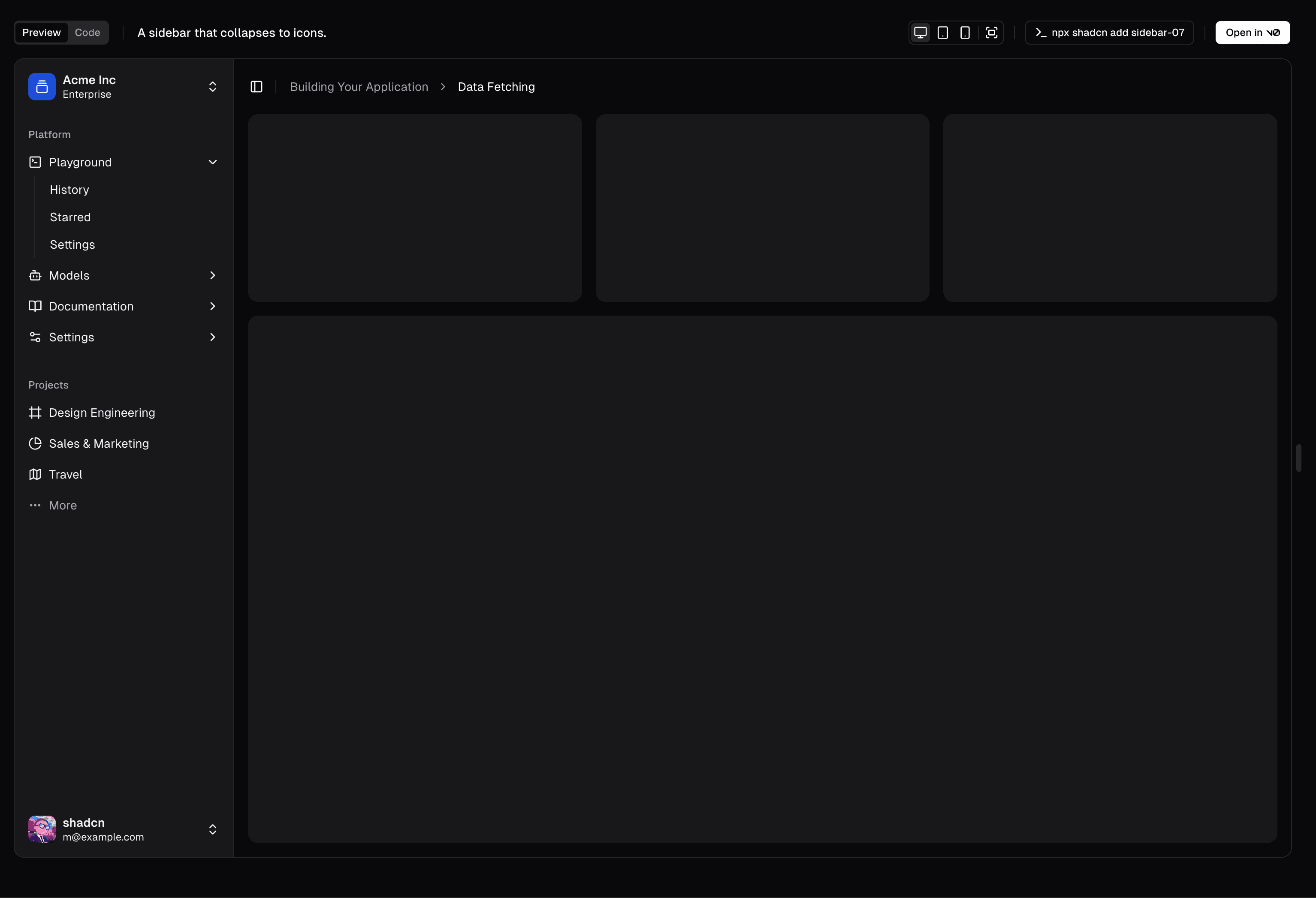
脚本完成后,可在 http://localhost:3333/blocks/[CATEGORY] 查看Blocks,或访问 http://localhost:3333/view/styles/new-york/dashboard-01 获得全屏预览。
构建你的Blocks
在Blocks目录中编辑文件,即可实时在浏览器中查看效果。如果增加了文件,记得同步更新Blocks定义里的 files 数组。
发布Blocks
准备就绪后,可向主仓库提交 Pull Request。
运行构建脚本
pnpm registry:build捕捉截图
pnpm registry:capture提示: 如果之前运行过截图脚本,可能需要先删除 apps/www/public/r/styles/new-york 目录下已有的浅色/深色截图,再重新生成。
提交 Pull Request
提交你的改动并发起 PR。Blocks通过审核后会合并到主仓库,同时发布到网站并可通过 CLI 安装。
分类
categories 属性用于在注册表中对Blocks进行分类。
新增分类
如果需要添加新分类,请在 apps/www/registry/registry-categories.ts 的 registryCategories 数组中添加条目。
export const registryCategories = [
// ...
{
name: "Input",
slug: "input",
hidden: false,
},
]提交规范
贡献Blocks时请遵循以下约定:
- Blocks定义必须包含:
name、description、type、files、categories。 registryDependencies中应列出所有依赖的注册表组件(如input、button、card等)。dependencies中应列出所有外部包依赖(如zod、sonner等)。- 如果Blocks包含页面(可选),应在
files数组首位,且带有target字段,方便 CLI 正确放置页面文件。 - 导入语句需使用
@/registry路径,例如import { Input } from "@/registry/new-york/input"。